MX
Tells the world which server receives mail for your domain.
example.com. MX 10 mail.example.com.
See your MX, SPF, DKIM and DMARC records in seconds, and what each one means for your email.
Sender rulesSpamhaus starts enforcing HELO, PTR and A record checksRead the storyMail servers MX
Where mail for your domain is delivered.
Sender list SPF
Which servers may send as you.
Signing key DKIM
The key that signs your mail.
Policy DMARC
What receivers do with fakes.
The route
Before a message reaches an inbox, the receiving server runs five checks on your domain. Fail one and the message can bounce or land in spam.
MX
The sending server looks up the recipient domain's MX records to find the server that accepts its mail. No MX record, no delivery.
HELO and PTR
Your server introduces itself with a hostname. The receiver checks that the name resolves and that your IP's reverse DNS points back to it. Spamhaus began enforcing this in November 2026.
SPF and DKIM
SPF lists the servers allowed to send for your domain. DKIM adds a signature the receiver checks against a public key in your DNS.
DMARC
DMARC tells receivers what to do when a message claims your domain but fails SPF and DKIM: let it through, send it to spam, or reject it.
Reputation
Last, the receiver checks your IP and domain against blocklists such as Spamhaus, and its own history of your mail. New domains start with no history.
Result
Pass every check and the message lands in the inbox. Fail one and it may go to spam, or come back with a bounce code that says why.
Every bounce starts with a code. A 4 means try again later. A 5 means the server has said no for good.
550 5.1.1
The address is wrong, or the person has left. The receiving server has refused it for good.
Remove the address from your list. Sending to it again counts against your reputation.
Wording varies between providers. These are the common meanings.
Tells the world which server receives mail for your domain.
example.com. MX 10 mail.example.com.
A TXT record listing the servers allowed to send as your domain.
v=spf1 include:_spf.google.com ~all
A public key that lets receivers check the signature on your mail.
google._domainkey TXT v=DKIM1; k=rsa; p=MIIBIjAN...
Your instructions for mail that fails SPF and DKIM, and where to send reports.
_dmarc TXT v=DMARC1; p=quarantine; rua=mailto:dmarc@example.com
Reverse DNS: turns your sending IP back into a hostname.
25.113.0.203.in-addr.arpa. PTR mail.example.com.
The mail-server checks behind adaptverify.com feed Adaptive Context, the part of Adapt Leads that keeps company information, replies and call notes with the right business. A colleague can see what is known and what has already been said.
Each email address shows its evidence and when it was last checked. Agents use that context to prepare work, and nothing goes out until you approve it.
Explore Adaptive ContextIllustration. The businesses are made up.
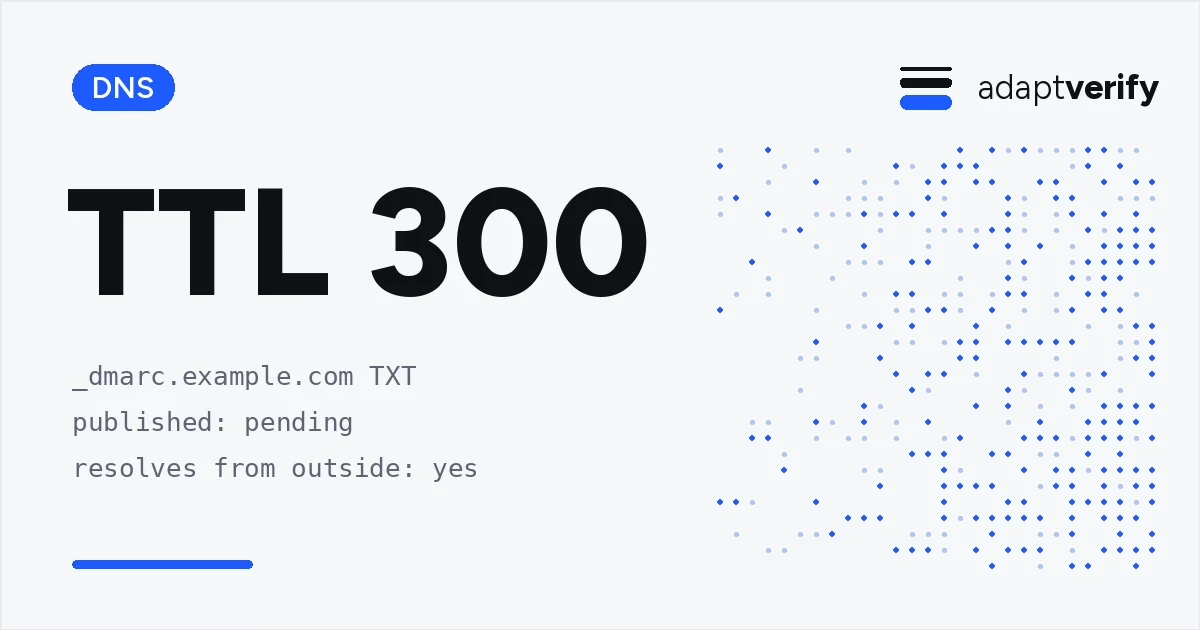
After a bug left DNS record changes unpublished for hours, Cloudflare extended its Flamingo testing tool to measure propagation across its network.
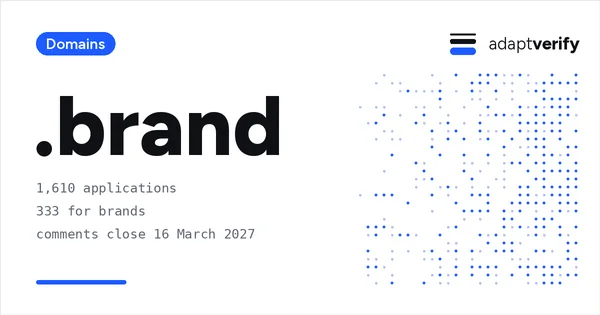
The 2026 round of new generic top-level domains moves to public comment and objections. 333 of the 1,610 applications are for brands.
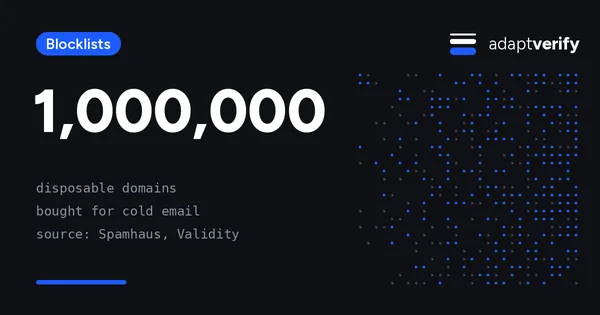
A year after calling cold email spam, Spamhaus says the industry has grown. It has classified a large batch of cold email domains at once, using data from Validity.
Enter your domain in the checker at the top of this page. It looks up your MX, SPF, DKIM and DMARC records in public DNS and shows which are in place, missing or need work.
Usually one of three things: missing or broken authentication (SPF, DKIM or DMARC), a poor sending reputation, or content that looks like spam. Check your records first. They are the quickest to fix.
Spamhaus publishes blocklists that many mail servers use to reject mail. If your IP or domain is listed, look it up at check.spamhaus.org, fix the cause it names, and request removal there. New domains with no history can be listed until they build a reputation.
Yes, if you send email from your domain. Since February 2024 Gmail has required DMARC from anyone sending 5,000 or more messages a day to its users, and a DMARC policy stops others sending mail that pretends to be you.
A hard bounce is permanent, such as an address that doesn't exist, and usually has a code starting with 5. A soft bounce is temporary, such as a busy server, usually starts with 4, and your server retries it.
No. The checks run in your browser using Cloudflare's public DNS. We don't see or store the domains you type.
No. Adapt Verify never sends email. The domain is used by servers that check whether an address can receive mail, and by this guide.